Introducing Media Forking for Webex Contact Center
developer.ciscospark.com ciscospark.com
Aurekai listening
Listen to this summary
Original instrumental score; voice stays in front.
Ready to listen
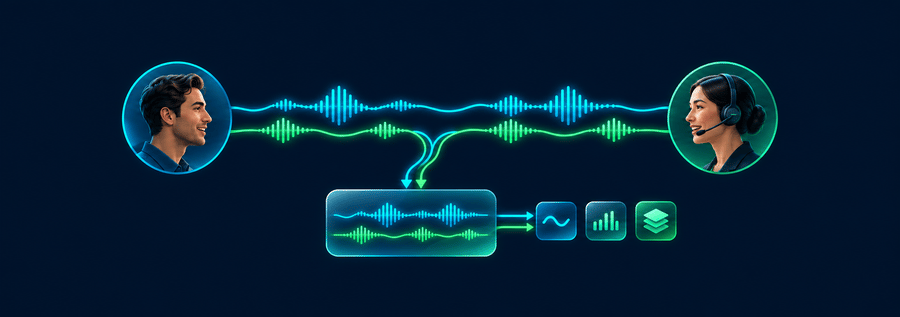
This reads the text available on this page using your browser's voice. It is not a publisher-recorded narration; voice processing depends on your browser.Media Forking gives developers and technology partners access to a live copy of caller and agent audio from Webex Contact Center. Your application receives the audio while the conversation continues and connects it to the speech recognition, analytics, or other processing services you choose.
A media stream carries the call’s audio. Forking sends a copy to an external application, called a receiver. That receiver is where your integration begins: it accepts the audio and passes it to your processing code or connected services.
More ways to use this
Open on another device

Scan to open this page. Your saved notes and account access are not included.
 Forgotten Space Live at AT&T Performing Arts Center on 2024-09-27