Performance mode now applies to materialized view and streaming table refreshes from dbt tasks
docs.databricks.com databricks.com
This is what was read here when it was published. databricks.com no longer carries it in what it publishes now.
Listen to this summary
The job-level performance mode setting now propagates to materialized view and streaming table refreshes triggered by dbt tasks. You can set these jobs to Standard mode to optimize for cost, or keep the default Performance-optimized mode for faster startup. Previously, dbt tasks always ran refreshes in Performance-optimized mode.
Standard mode can increase refresh startup latency from under a minute to four to six minutes in exchange for lower compute costs. This change affects only refreshes that materialize as an materialized view or streaming table, so most dbt projects, which create regular tables, are unaffected.
More ways to use this
Open on another device

Scan to open this page. Your saved notes and account access are not included.
 Sydney constable charged over fatal e-bike crash days after union urged police to stop pursuits
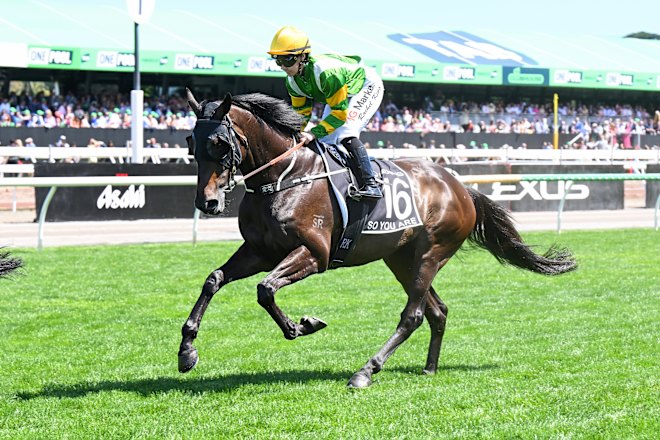 So You Are’s horrifying final fate in a skip bin with an old couch is beyond unacceptable